

Workflow Builder
Build repeatable processes visually: pick the event, add conditions, delays, actions, approval gates, and test the workflow before publishing it.
At a glance
The numbers on your screen, explained
What each Workflow Builder number means and where it comes from — so you know where to act.
Saved workflows compared with the workflow limit shown in plan usage.
Runs used in the month compared with the configured monthly run allowance.
Workflow email actions counted against the monthly email automation allowance.
AI workflow or content generation prompts counted against the monthly prompt allowance.
Sample numbers from a demo workspace.
Start
Choose the event that starts the process
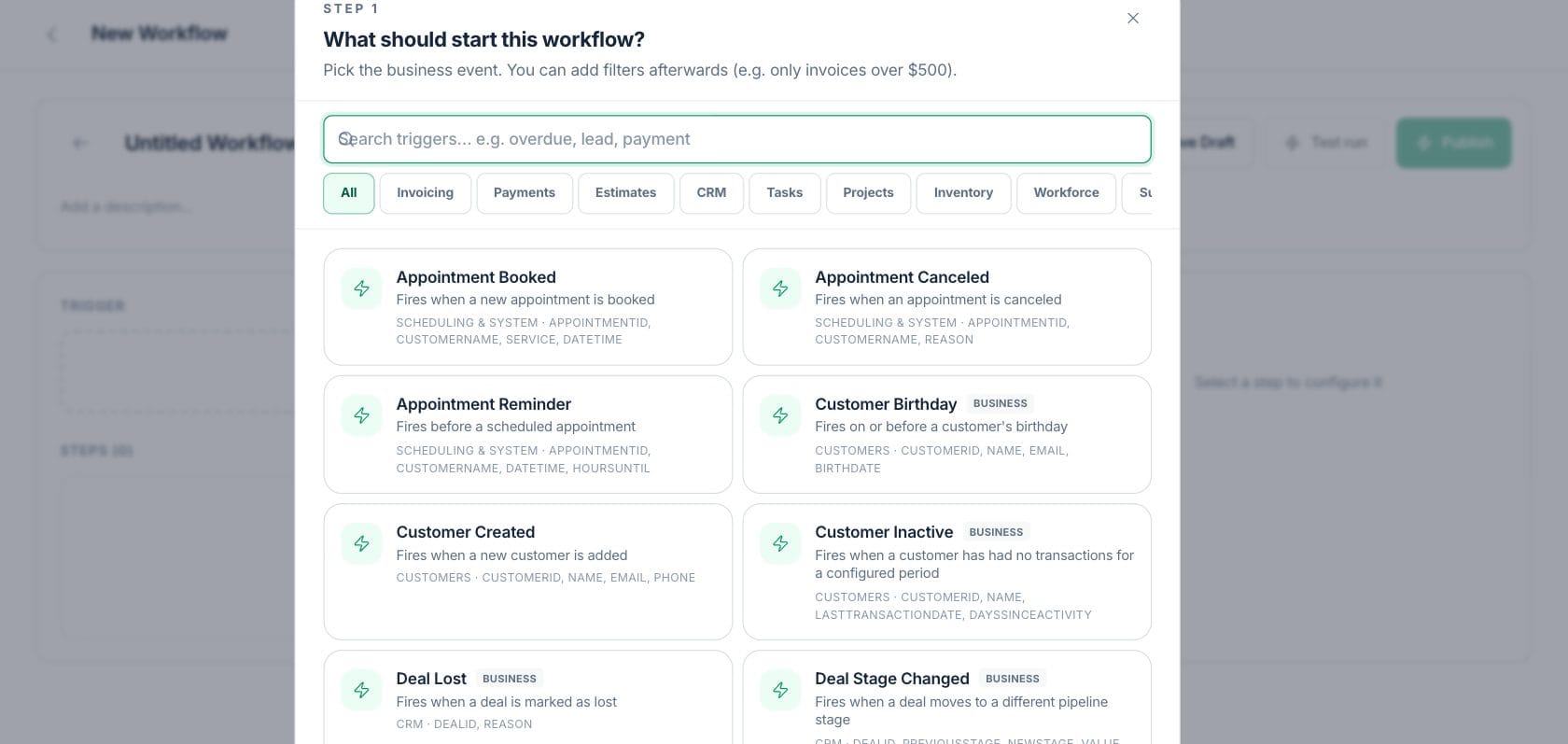
The trigger picker lists supported business events and categories so a workflow can begin from the same records the team already uses.
- Search triggers by name or description
- Filter by invoices, payments, CRM, tasks, projects, inventory, and more
- Use webhook triggers when outside systems need to start a workflow
Design
Add steps your team can understand later
The builder supports action, condition, delay, branch, approval, AI generate, note, and loop step types, with labels and settings in the inspector.
- Drag and reorder steps in the workflow path
- Add conditions, branches, waits, and approval gates
- Document intent with note steps
Validate
Test, run, publish, and rotate webhook secrets
Saved workflows can be tested in sandbox mode, run live on demand, published for event-driven execution, or given a fresh webhook URL when needed.
- Test run reports each step result without sending real messages
- Run now can execute live actions after confirmation
- Webhook secrets can be rotated from the builder
Everything included
Everything in Workflow Builder
Use it for cross-team handoffs, escalation paths, approvals, and status-driven work.
Trigger picker
Select from supported business events and categories rather than starting from a blank rule.
Step canvas
Build a readable chain of actions, conditions, delays, branches, approvals, notes, loops, and AI steps.
Conditions
Use if/else logic so different records can follow different paths.
Delays
Wait minutes, hours, or days before the next step continues.
Approval gates
Require review before sensitive actions continue.
Test run
Run a sandbox check that shows each step result before live actions are enabled.
Webhook URL
Create or rotate a signed URL for workflows that start from an external event.
How it works
Workflow Builder, step by step
- 01
Name the workflow and pick a trigger
Choose the event that starts the process and add any trigger filters or configuration.
- 02
Add steps in order
Build the path with conditions, actions, waits, branches, approvals, AI generation, notes, or loops.
- 03
Test the workflow
Use a sandbox run to confirm the step order and expected outcomes before enabling live execution.
- 04
Publish and monitor
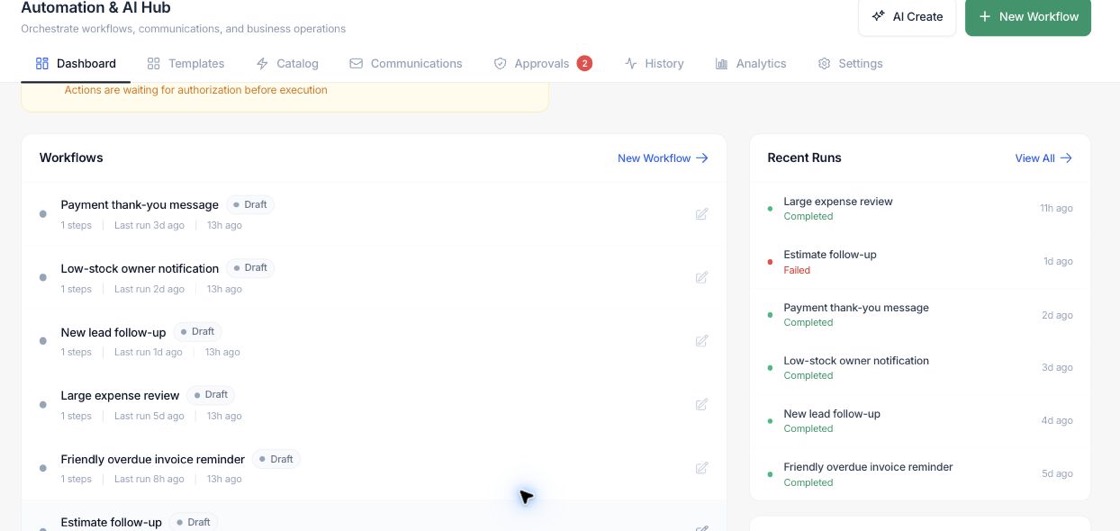
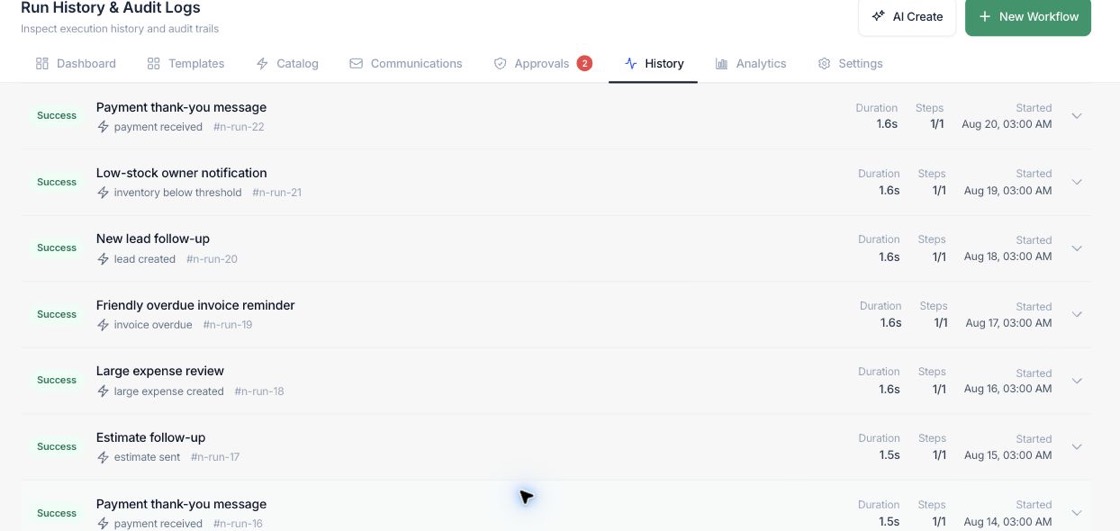
Publish the workflow, watch run history, and update the builder when the process changes.
Connected
Works with the rest of Fratelli
The same records flow between these workspaces automatically.
FAQ
Workflow Builder questions
Can’t find what you need? Our team is happy to help.
Yes. The builder includes conditions and branch steps, subject to the workspace plan settings shown in the automation hook.
Yes. Saved workflows can use Run now for live execution, and the builder asks for confirmation because real actions may be performed.
Yes. The automation system supports webhook trigger URLs with a secret token that can be rotated from the builder.
Try Workflow Builder with the rest of Fratelli
Start free in minutes and bring the rest of your team when you are ready.