

Templates
Start from reusable automation patterns, preview their steps, and adapt them instead of rebuilding common reminders, handoffs, and approvals from scratch.
At a glance
The numbers on your screen, explained
What each Templates number means and where it comes from — so you know where to act.
Reusable workflow templates defined in the automation catalog.
Times the team started a workflow from a template this month.
Workflow drafts created from template patterns before review and publishing.
Typical number of configured steps in the reusable template patterns.
Sample numbers from a demo workspace.
Browse
Filter templates by category and search
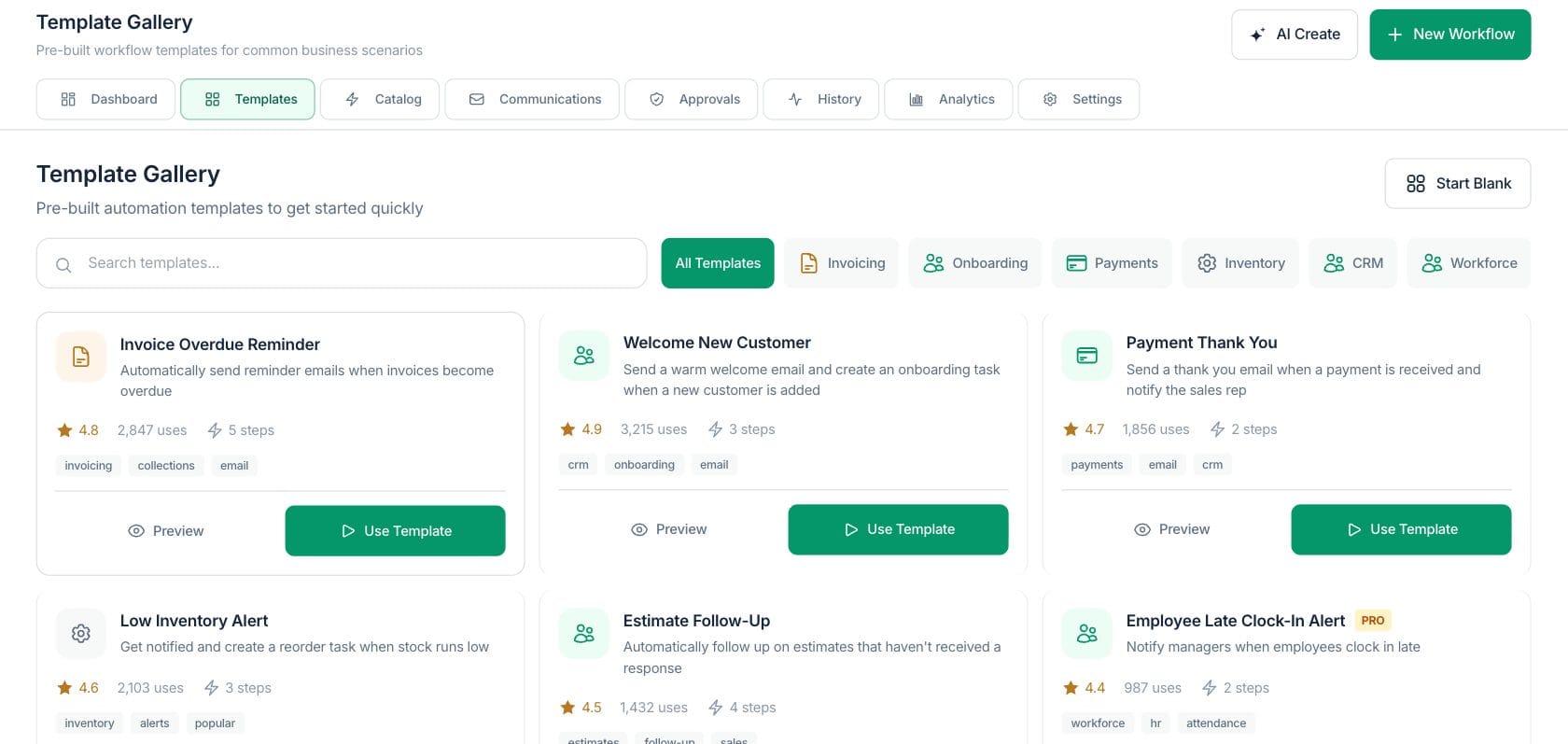
The gallery includes common workflow patterns with category filters for onboarding, payments, invoicing, CRM, inventory, workforce, marketing, documents, and operations.
- Search by name, description, or tags
- Filter by available categories
- Start blank if no template fits
Preview
Inspect the workflow pattern before using it
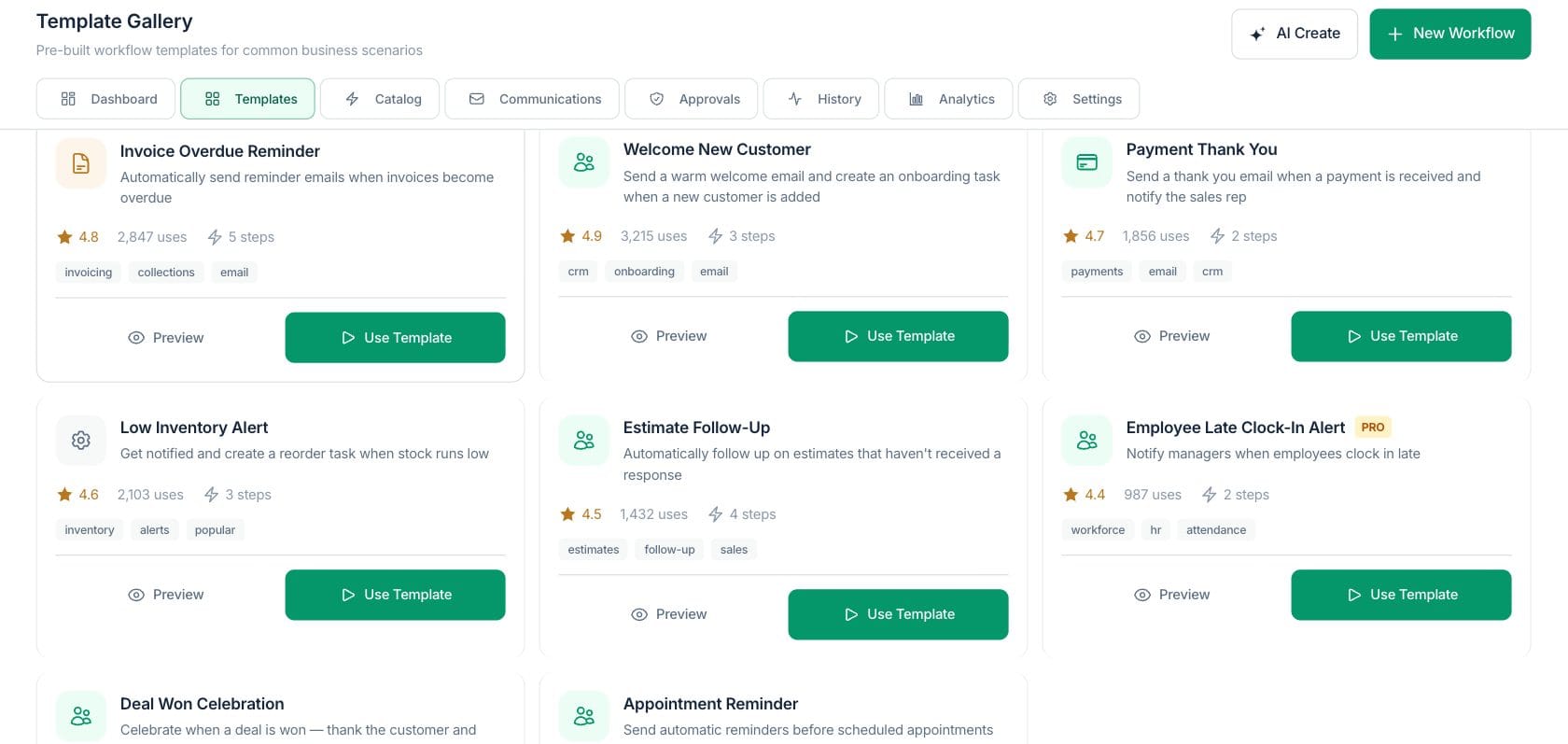
Template previews show the name, description, category, tags, and step list so the team understands the process before copying it.
- See steps such as trigger, email, wait, assign, and escalate
- Premium tags show plan requirements when present
- Use Template hands the pattern to the builder
Adapt
Turn a pattern into your own workflow
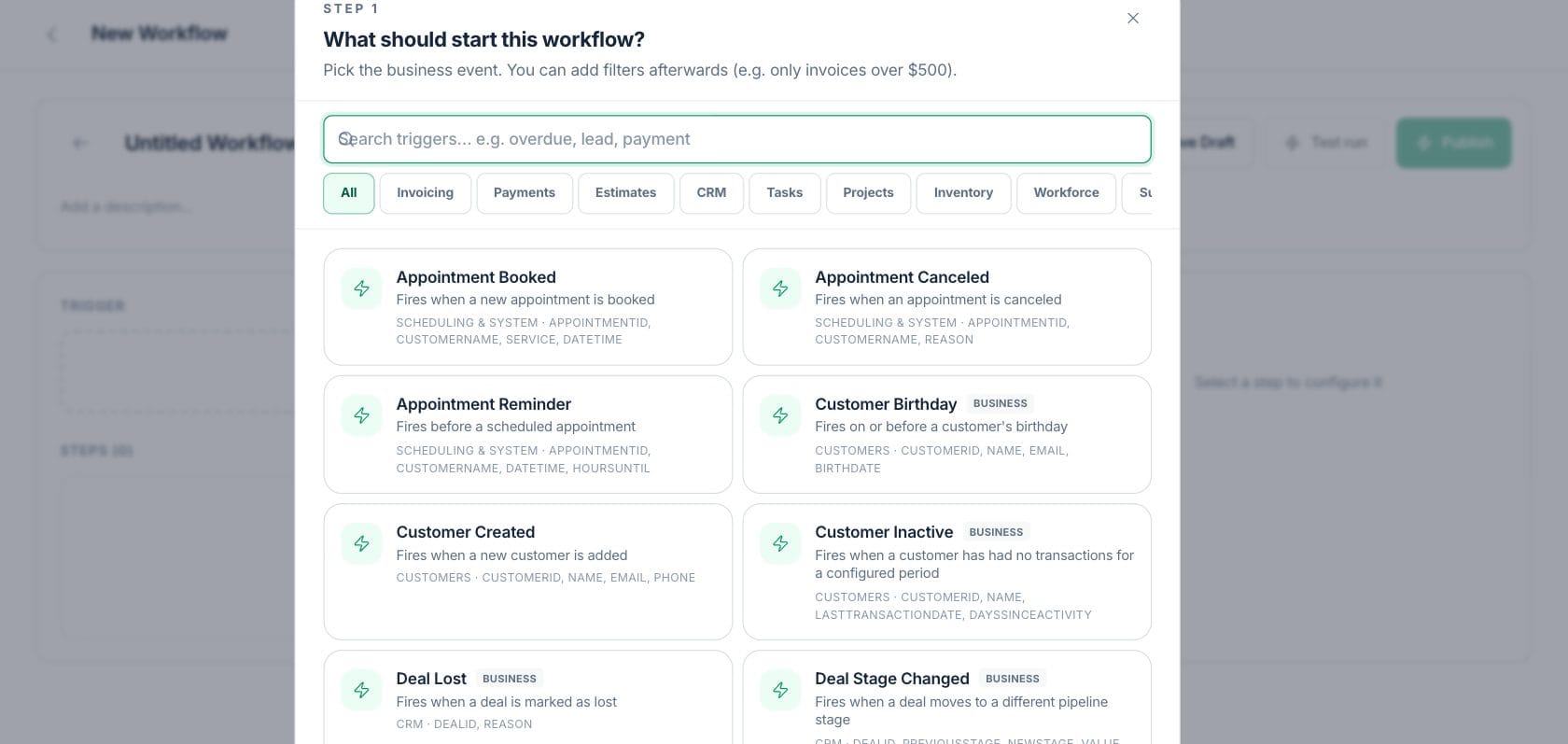
Templates reduce setup work while keeping the rules visible. After selection, the team can edit triggers, steps, copy, delays, and approvals.
- Invoice follow-up and feedback patterns are included
- Lead scoring and renewal reminders show advanced patterns
- Every template remains editable after selection
Everything included
Everything in Templates
Use it for common approvals, reminders, handoffs, and customer follow-up workflows.
Template gallery
Browse reusable patterns instead of starting every workflow from scratch.
Search
Find templates by name, description, or tag.
Categories
Filter templates by onboarding, payments, CRM, inventory, marketing, documents, and more.
Step preview
Review each template step before using it.
Ratings and usage
Template cards can show rating and usage metadata.
Plan tags
Premium indicators show when a template requires a higher plan.
Start blank
Create a new workflow without a template when the process is unique.
How it works
Templates, step by step
- 01
Search or filter templates
Use the gallery search and category filters to find a pattern close to the process you need.
- 02
Preview the steps
Open the template to review the purpose, tags, and workflow steps.
- 03
Use the template
Copy the pattern into a workflow draft and update the details for your business.
- 04
Test and publish
Run a sandbox test, adjust rules, then publish when the process is ready.
Connected
Works with the rest of Fratelli
The same records flow between these workspaces automatically.
FAQ
Templates questions
Can’t find what you need? Our team is happy to help.
Yes. Templates are starting points; after selection, the workflow can be edited like any other draft.
The gallery includes patterns such as customer onboarding, invoice follow-up, lead scoring, feedback requests, and renewal reminders.
Yes. The gallery includes a Start Blank action when you want to build directly in Workflow Builder.
Try Templates with the rest of Fratelli
Start free in minutes and bring the rest of your team when you are ready.