

Availability
Record when people can work so schedules can be planned around recurring working windows, days off, locations, and temporary constraints.
At a glance
The numbers on your screen, explained
What each Availability number means and where it comes from — so you know where to act.
Counts employees marked available in today’s recurring availability pattern.
Counts employees missing or excluded from recurring availability.
Counts approved time-off requests that include today.
Shows schedule pressure that availability can help resolve.
Sample numbers from a demo workspace.
Record
Set recurring working windows for each person
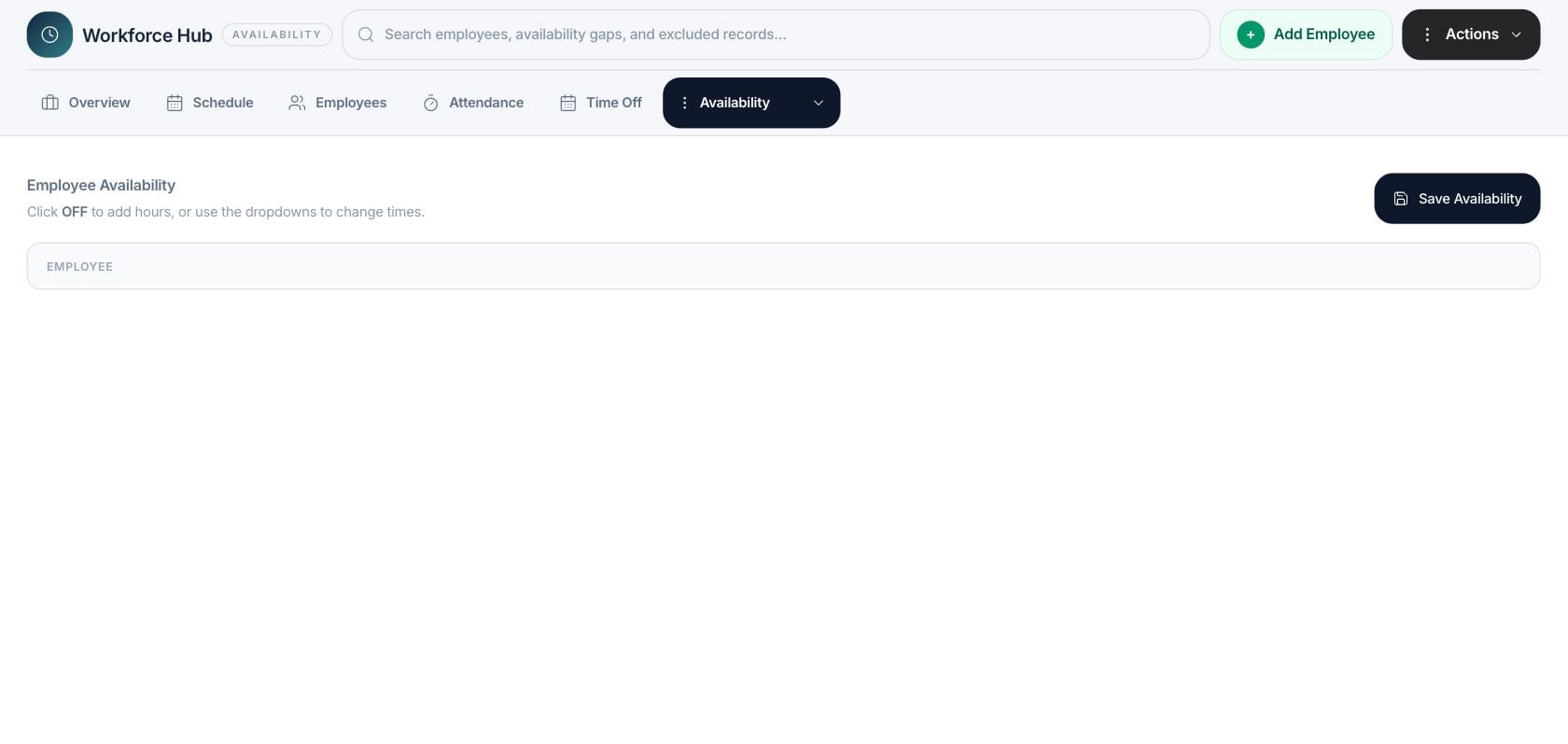
Availability stores weekly patterns, preferred working windows, preferred days off, and maximum-hours preferences used by scheduling.
- Weekly availability by day
- Working windows per day
- Preferred days off
- Maximum hours preferences
Use
Bring availability into schedule decisions
Scheduling checks availability before assignment so managers can spot conflicts instead of discovering them after a schedule is published.
- Availability conflict checks
- Excluded records visible
- Preferred locations considered
- Manual schedule assignment support
Adjust
Save updates without changing unrelated people records
Availability edits are part of the Workforce planning layer, giving managers scheduling context without changing workspace access or unrelated HR data.
- Save availability action
- Workforce employee selection
- Planning-only context
- Reusable schedule input
Everything included
Everything in Availability
Use it for recurring availability, temporary constraints, and staffing preparation.
Weekly windows
Capture recurring work windows by day for each employee.
Schedule input
Use availability while assigning and validating shifts.
Employee selector
Choose the workforce employee whose pattern should be reviewed or updated.
Preferred locations
Keep preferred location context with availability records.
Missing availability
Highlight people whose availability still needs setup.
Conflict prevention
Warn managers when a shift conflicts with availability or approved time off.
Reusable patterns
Use recurring patterns so managers do not rebuild availability every week.
How it works
Availability, step by step
- 01
Choose an employee
Open the availability workspace and select the workforce employee to configure.
- 02
Add weekly windows
Mark available days and define the times that person can work.
- 03
Save the pattern
Store the recurring availability so it can be reused in scheduling.
- 04
Review conflicts during scheduling
Use validation warnings when assigned shifts do not match the saved pattern.
Connected
Works with the rest of Fratelli
The same records flow between these workspaces automatically.
FAQ
Availability questions
Can’t find what you need? Our team is happy to help.
No. Availability stores normal working patterns. Time-off requests have their own approval workflow and can affect coverage separately.
Yes. Workforce validation includes availability checks so managers can review conflicts while building schedules.
Try Availability with the rest of Fratelli
Start free in minutes and bring the rest of your team when you are ready.