

Payments Center
Connect Stripe, take online payments on invoices and review the full ledger of payments, payouts, refunds, disputes and failed attempts.
At a glance
The numbers on your screen, explained
What each Payments Center number means and where it comes from — so you know where to act.
The total successful payment volume for the selected period before fees, refunds and payouts.
Gross payment volume minus Stripe processing fees and the platform fee shown on each payment.
The share of attempted payments that succeeded during the selected period.
Payments account issues, failed payments, disputes or verification items that need review.
Sample numbers from a demo workspace.
Setup
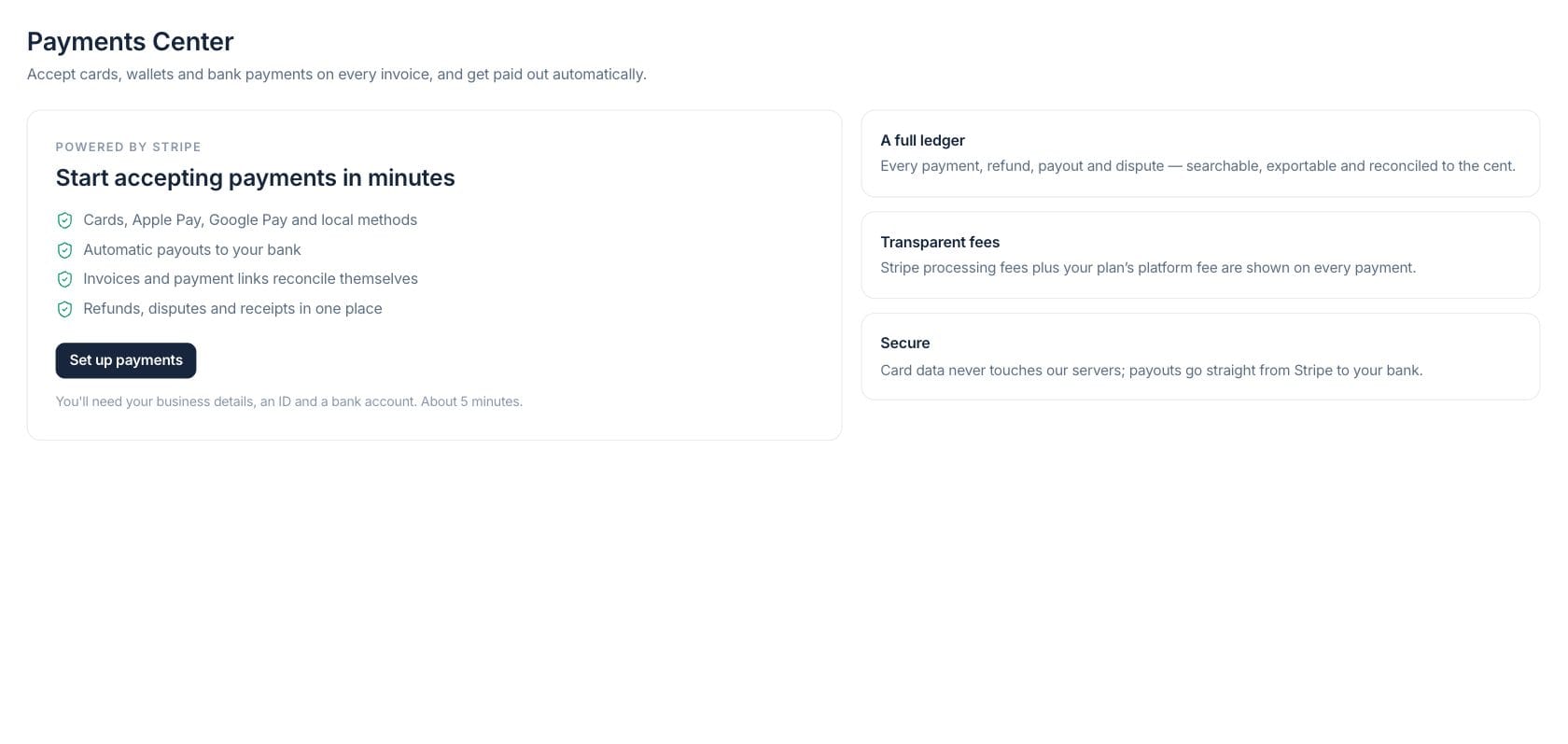
Start accepting online payments with Stripe
The Payments Center guides owners through Stripe setup, then keeps card, wallet and bank payments connected to invoice and payment-link workflows.
- Cards, Apple Pay, Google Pay and local methods
- Automatic payouts to the connected bank account
- Setup checklist for charges, payouts and verification
Ledger
Search every payment, refund, payout and dispute
A ledger-backed workspace gives finance searchable rows, detail drawers and CSV exports for payment operations and customer support.
- Tabs for payments, payouts, refunds, disputes and customers
- Open payment, payout and dispute detail drawers
- Export ledger rows to CSV
Exceptions
Handle failed payments and disputes from one place
Failures and disputes surface with reasons, deadlines and evidence workflows so the team can follow up without hunting through Stripe first.
- Failed payment view with decline context
- Open dispute count and amount at risk
- Refund and dispute actions gated by permissions
Everything included
Everything in Payments Center
Use it for payment operations, payout review, exception handling, and customer support.
Online invoice payments
Let customers pay invoices and payment links by card, wallet or bank method through Stripe.
Balance and payouts
See available, pending and in-transit balances with next payout context.
Full payment ledger
Review payments, refunds, payouts, disputes and failed attempts with source links.
CSV export
Export ledger activity by payment type for finance review or reconciliation.
Secure card handling
Card data stays with Stripe; Fratelli records payment status, fees and source context.
Attention feed
Surface account verification issues, failed payments and disputes that need action.
Top customers
Review top paying customers for the selected period and open the matching customer record.
How it works
Payments Center, step by step
- 01
Set up Stripe
The workspace owner completes onboarding with business details, identity verification and a payout bank account.
- 02
Send payable records
Invoices and payment links can include online payment options once charges are enabled.
- 03
Review the ledger
Finance checks successful payments, failed attempts, payouts, refunds and disputes from the Payments Center.
- 04
Resolve exceptions
Use the attention feed and detail drawers to respond to disputes, issue refunds or follow up on failed payments.
Connected
Works with the rest of Fratelli
The same records flow between these workspaces automatically.
FAQ
Payments Center questions
Can’t find what you need? Our team is happy to help.
No. Payment links and invoice payment buttons are customer-facing links handled through the payment flow.
Refund actions are available from payment detail when the user has the required payment permission.
They are synced from Stripe into the Payments Center ledger so finance can review them with the related source records.
Try Payments Center with the rest of Fratelli
Start free in minutes and bring the rest of your team when you are ready.